Step 1 of 5
Download the extension
After the download, open the file's location and extract it to a folder you will not delete. The browser runs the extension from there.


Step 2 of 5
Turn on Developer mode
Type chrome://extensions in the address bar (in Edge: edge://extensions), then turn on Developer mode.


Step 3 of 5
Load the folder
Click Load unpacked and choose the folder you extracted.


Step 4 of 5
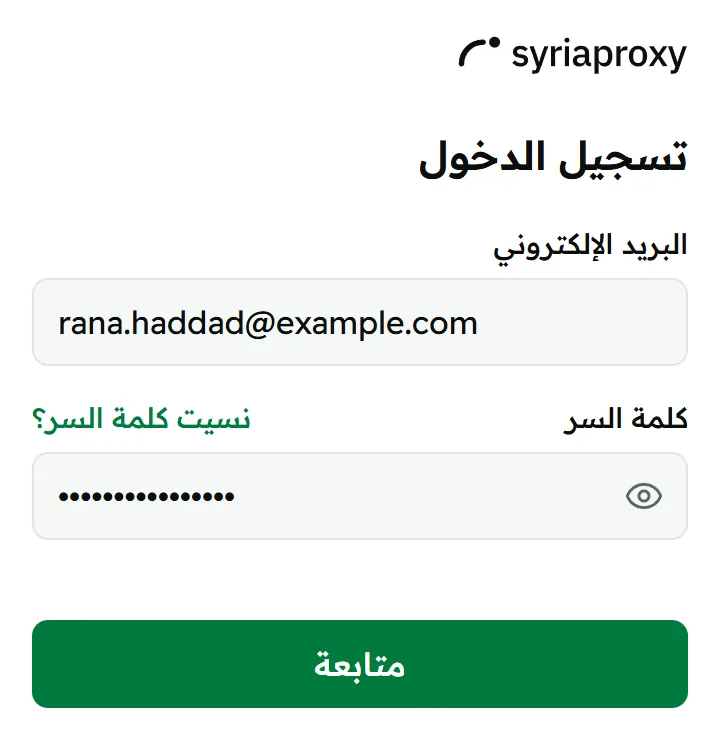
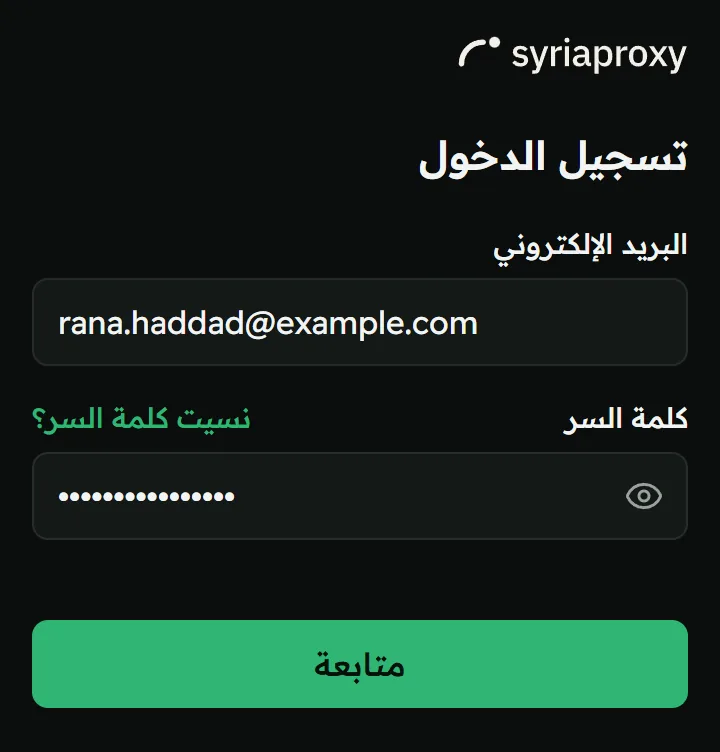
Sign in to your account
Click the extensions icon in the browser toolbar, then syriaproxy, and enter your account email and password.
Step 5 of 5
Connect
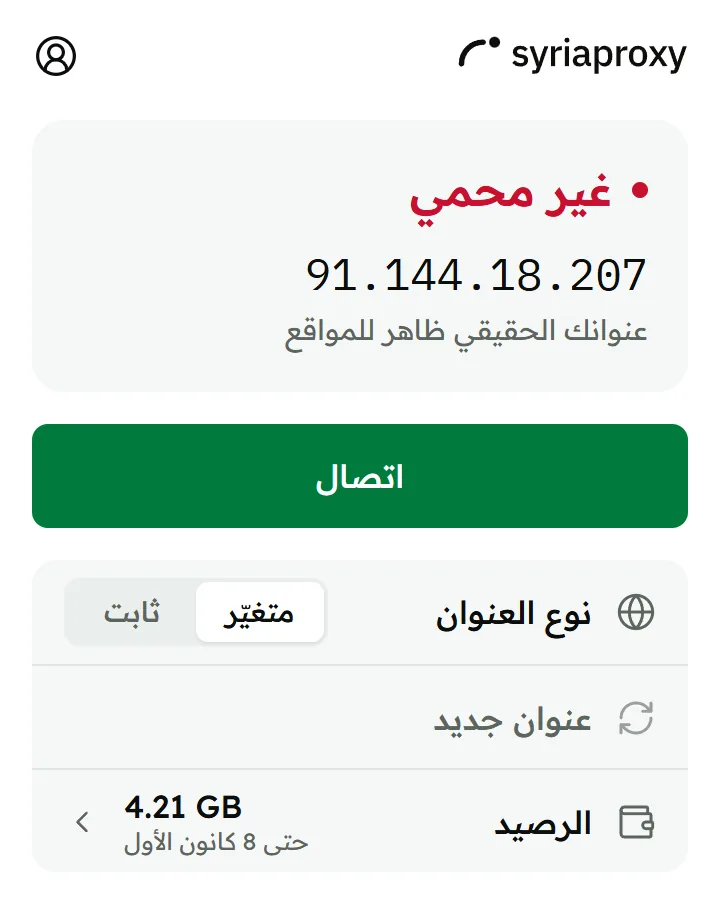
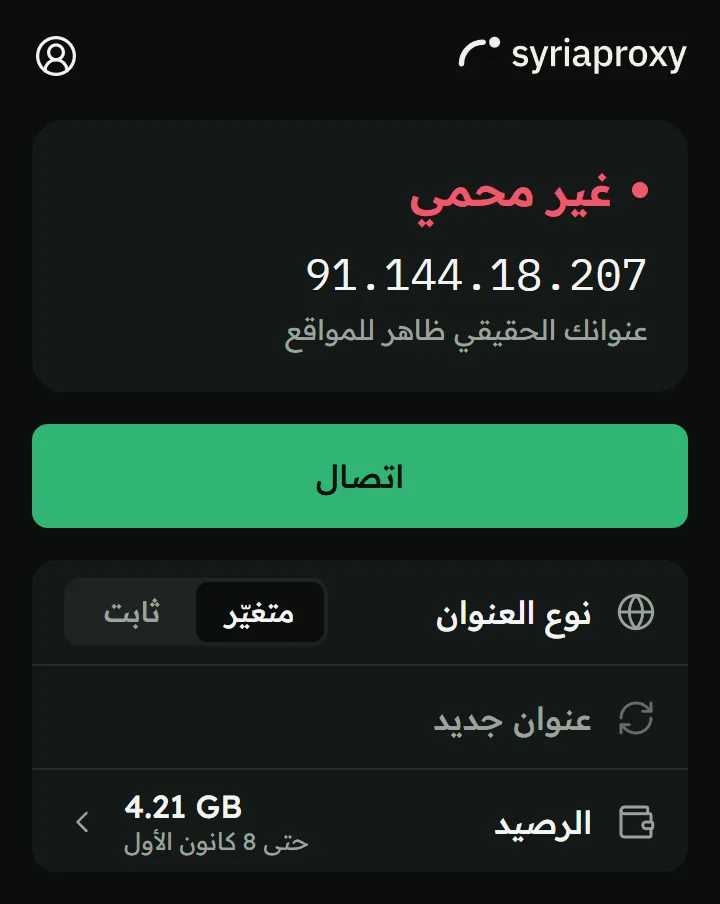
Click “Connect”. Everything you open in this browser exits with a Syrian address, and other programs on the device are not affected.