Step 1 of 3
Install the app
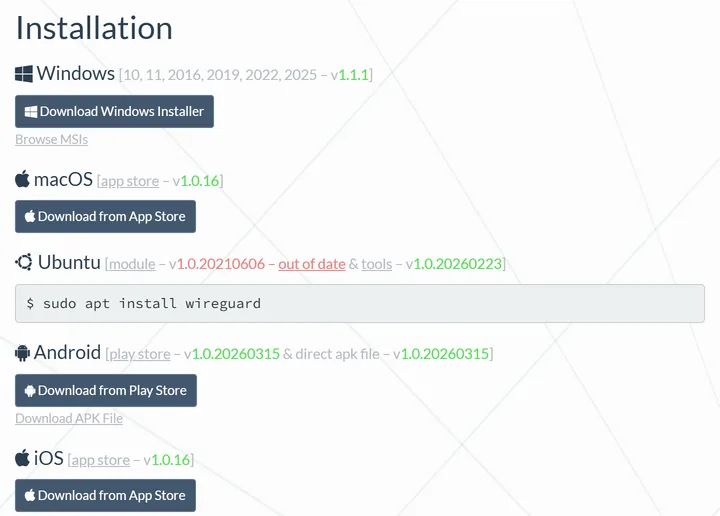
Download the official WireGuard app for your system from wireguard.com/install.
Step 2 of 3
Create a device file
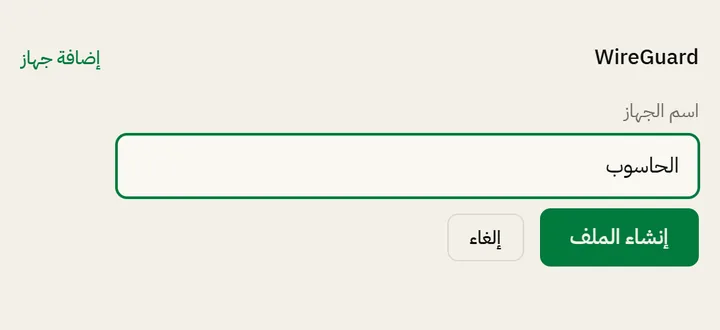
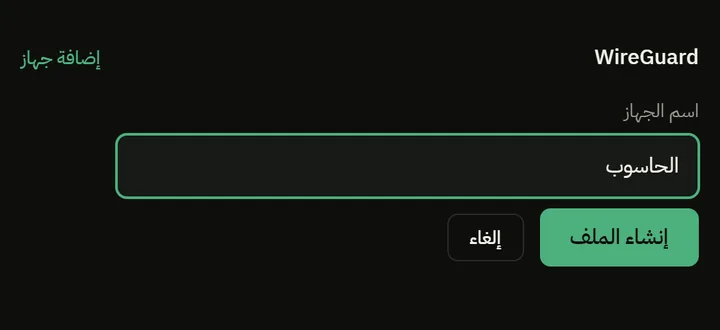
In your account, press “Add device”, type a name for the device, then press “Create file”. Each device gets its own file.
Step 3 of 3
Import the file
- Phone
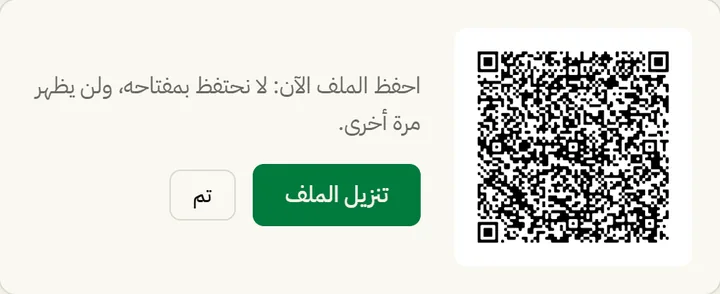
- In WireGuard, tap +, choose Create from QR code and point the camera at the code.
- Windows and macOS
- Download the file, then in WireGuard choose Import tunnel(s) from file and then Activate.
- Linux
- From the folder with the file:
sudo cp syriaproxy-*.conf /etc/wireguard/sp.conf
sudo wg-quick up sp
- Router
- Create a WireGuard interface in its settings and copy the file's values into it as they are: the [Interface] section for the interface and the [Peer] section for the server.