

Step 1 of 5
Install the WireGuard app
Open the app's page in the App Store and tap Get.

Step 2 of 5
Create a device file
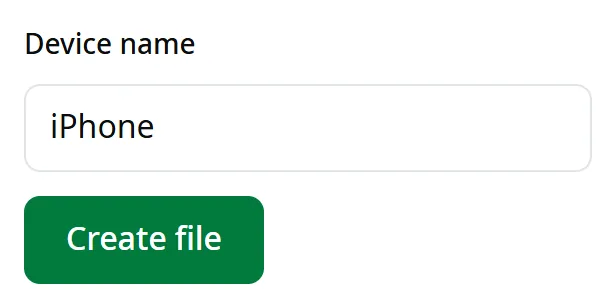
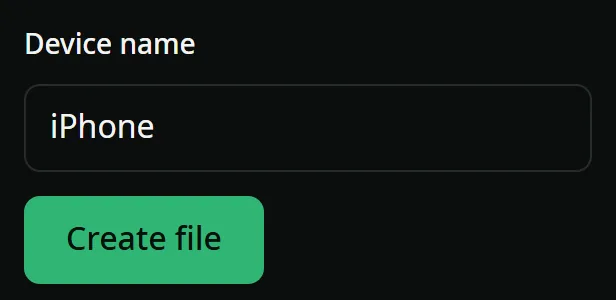
On the iPhone itself, open “Connect” in your account, choose “iPhone and iPad”, then tap “Create file”. No account yet? Create one.
Step 3 of 5
Add the file to WireGuard
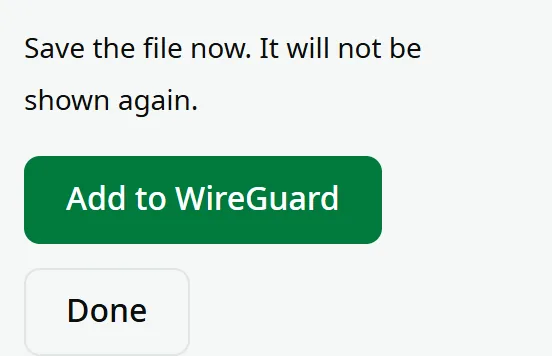
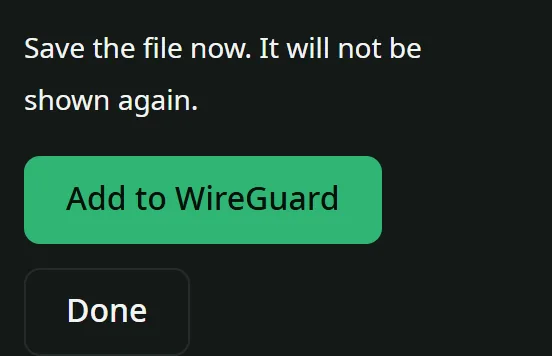
Tap “Add to WireGuard”, then choose WireGuard from the list.
Opened your account on a computer? Tap + in WireGuard, choose Create from QR code, then point the camera at the code.
Step 4 of 5
Allow the VPN
Your iPhone asks once: tap Allow, then enter your passcode.
Step 5 of 5
Turn it on and open ShamCash
Turn on the switch next to syriaproxy-iPhone. When VPN appears at the top of the screen, open ShamCash.