

Step 1 of 3
Create and download a device file
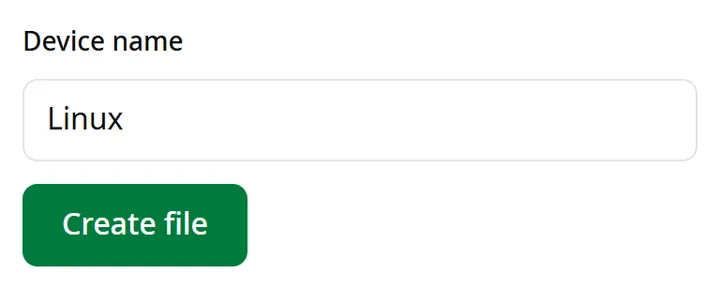
Open “Connect” in your account and choose “Linux”. Type a name for the computer and click “Create file”, then “Download file”. No account yet? Create one.
Prefer an app with a “Connect” button? The syriaproxy app for Linux is on the download page.
Step 2 of 3
Import the file
In your downloads folder, copy the file under a short name, then import it into NetworkManager:
cp syriaproxy-*.conf sp.conf
sudo nmcli connection import type wireguard file sp.conf
Step 3 of 3
Turn the connection on and off
The connection appears as sp in your network settings. Turn it on and off there, or with these commands:
nmcli connection up sp
nmcli connection down sp
On a server without NetworkManager, install wireguard-tools and run:
sudo cp sp.conf /etc/wireguard/sp.conf
sudo wg-quick up sp